Doubao AI adds a "Doubao" watermark to generated videos and images, which is inconvenient for creators who want clean material. This article analyzes the Doubao watermark issue and tests 4 reliable removal methods in 2026—official ads, Miaomiao AI Watermark Remover local processing, CapCut masking and mini program parsing—with full tutorials.
Doubao Watermark Issue Analysis
Watermark Position
The Doubao watermark is fixed at the bottom-right corner of videos and images, semi-transparent and relatively small. Its fixed position makes it easier to target than moving watermarks.
Watermark Type
It is a static text + logo watermark baked into the rendered output. Since it is part of the final pixels (not a separate overlay layer), it cannot be toggled off after generation and must be removed by processing.
Removal Difficulty
Because the watermark is fixed and small, removal difficulty is medium. Local inpainting and masking both work well; the challenge is avoiding blur in the background behind the watermark.
4 Watermark Removal Methods
Method 1: Official Ads
Doubao's official app offers an ad-based removal—watch a short ad to export one watermark-free video. Free but time-consuming, limited to one export at a time, and only works inside the Doubao app.
Method 2: Miaomiao AI
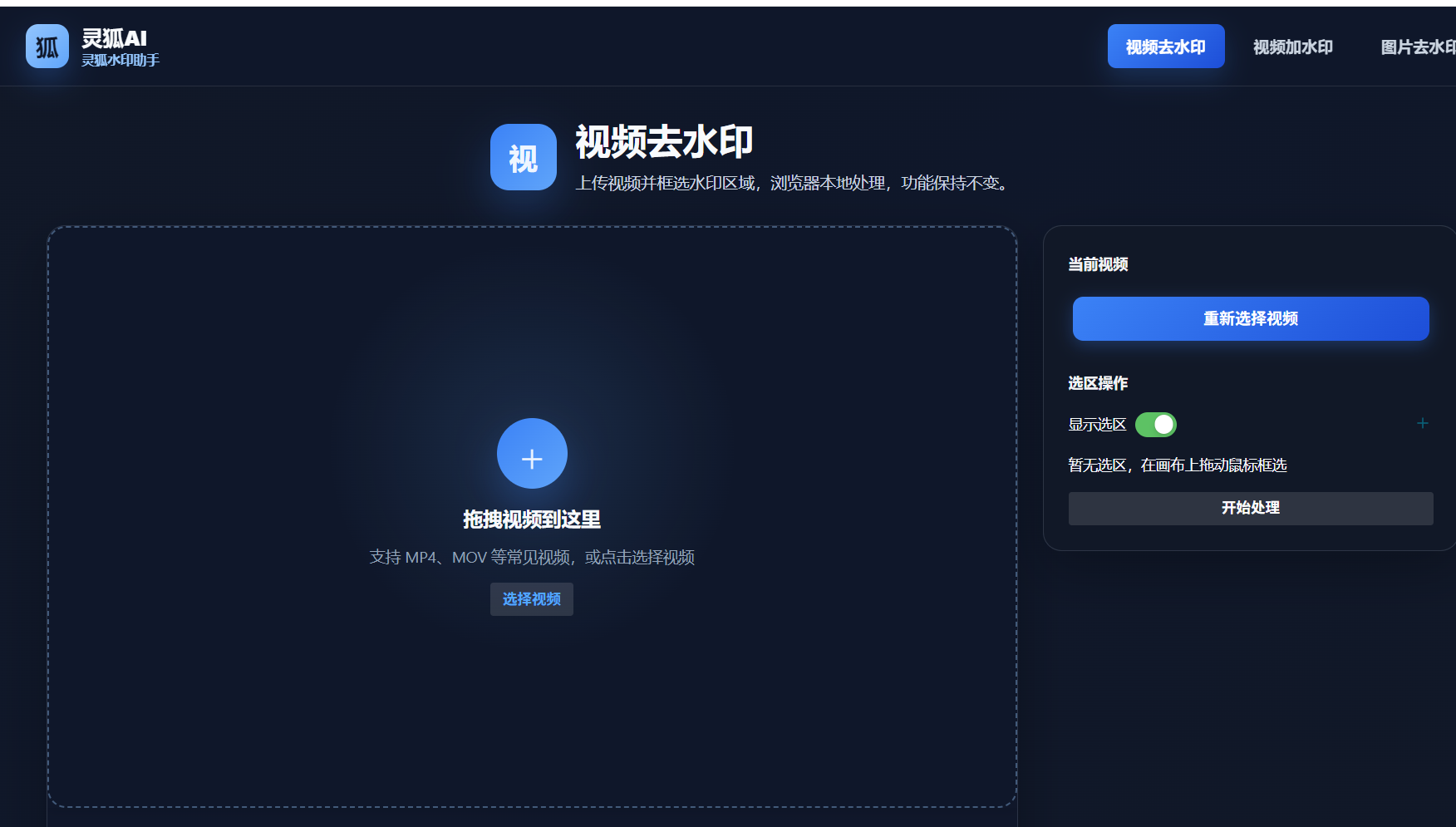
Miaomiao AI uses local processing to remove the Doubao watermark from the generated file. Upload-free, completely free, fast, and works for both videos and images. Best balance of effect, speed and privacy.
Method 3: CapCut Masking
Import the Doubao video into CapCut, add a mask or sticker over the bottom-right watermark, then export. Free but manual, leaves a visible cover area, and is less clean than AI inpainting.
Method 4: Mini Program Parsing
Some WeChat mini programs support Doubao link parsing to fetch a watermark-free version. Fast but unstable—depends on the platform interface and may fail when Doubao updates.
4 Methods Comparison Table
| Method | Effect | Free | Difficulty | Time |
|---|---|---|---|---|
| Official ads | Perfect | Free (ad) | Easy | Slow |
| Miaomiao AI | Excellent | Completely free | Easy | Fast |
| CapCut masking | Medium | Free | Medium | Medium |
| Mini program parsing | Good | Partial | Easy | Fast |
Miaomiao AI Doubao Watermark Removal Tutorial
- Export from Doubao: In the Doubao app, export the generated video or image to your device.
- Open Miaomiao AI: Visit the Miaomiao AI Watermark Remover page in your browser—no install or login needed.
- Upload the file: Drag the Doubao video/image into the upload area, or paste the Doubao link for parsing.
- Remove and download: Click remove, wait a few seconds, then download the watermark-free file. The whole process runs locally—your content never uploads.
Miaomiao AI is the recommended Doubao watermark removal tool: it supports both Doubao videos and images, processes locally for full privacy, is completely free with no daily limit, and produces clean results without the cover-area artifacts of masking.
Remove the Doubao watermark from your videos and images—try Miaomiao AI now
Remove Watermark Now →Conclusion
For Doubao AI watermark removal in 2026, Miaomiao AI offers the best mix of effect, speed, privacy and cost—working for both videos and images. Official ads are perfect but slow; CapCut masking is free but leaves cover artifacts; mini program parsing is fast but unstable. For most creators, Miaomiao AI is the most reliable daily choice.
FAQ
Can the Doubao watermark be removed for free?
Yes. Miaomiao AI removes the Doubao watermark from videos and images completely free; the official ad method is also free but slower and limited to one export at a time.
Does Miaomiao AI work on Doubao images too?
Yes. Miaomiao AI supports both Doubao AI videos and images, using local processing so your generated content never uploads to any server.
Is CapCut masking enough for Doubao?
It works but leaves a visible cover area over the watermark. For a clean, blur-free result, Miaomiao AI's AI inpainting is the better choice.