Different short video platforms use different watermark formats and link rules, so a single tool often can't cover them all. This guide lists watermark removal methods for every major domestic and overseas platform, compares the two main solutions (link parsing vs local processing), and shows how Miaomiao AI Watermark Remover handles all platforms in one place.
Domestic Platform Watermark Removal Methods
Douyin
Douyin adds a moving username watermark. Use link parsing: tap Share → Copy Link, then paste into a parsing tool to get the watermark-free MP4. Miaomiao AI supports Douyin parsing directly with no daily limit.
Kuaishou
Kuaishou's watermark is a fixed username at the top. Parsing works the same way—copy the share link and parse. Miaomiao AI also handles Kuaishou, returning the watermark-free source file.
Xiaohongshu
Xiaohongshu adds both a username watermark and a platform logo. Link parsing fetches the clean source. Note some private notes need login; public notes parse normally in Miaomiao AI.
Bilibili
Bilibili watermarks appear on UGC clips. For downloaded clips, use local processing to remove the logo; for share links, parsing fetches the watermark-free version. Miaomiao AI supports both.
Overseas Platform Watermark Removal Methods
TikTok
TikTok adds a moving username + logo watermark. Link parsing works for public videos; Miaomiao AI supports TikTok link parsing and local file processing for downloaded clips.
YouTube Shorts
Shorts usually carry the channel logo. Download the clip first, then use local processing to remove the logo—Miaomiao AI's local mode handles YouTube Shorts files easily.
Instagram Reels add an Instagram logo. Download the reel, then process locally. Miaomiao AI's local mode removes the logo without quality loss, and your content never uploads.
Two Solutions Comparison Table
| Solution | Supported Platforms | Free | Privacy | Speed |
|---|---|---|---|---|
| Link parsing | Domestic + TikTok | Partial | Upload parse | Fast |
| Miaomiao AI local processing | All platforms | Completely free | Local | Fast |
Miaomiao AI Universal All-Platform Solution
- Get the video: Copy the share link, or download/save the video to your device.
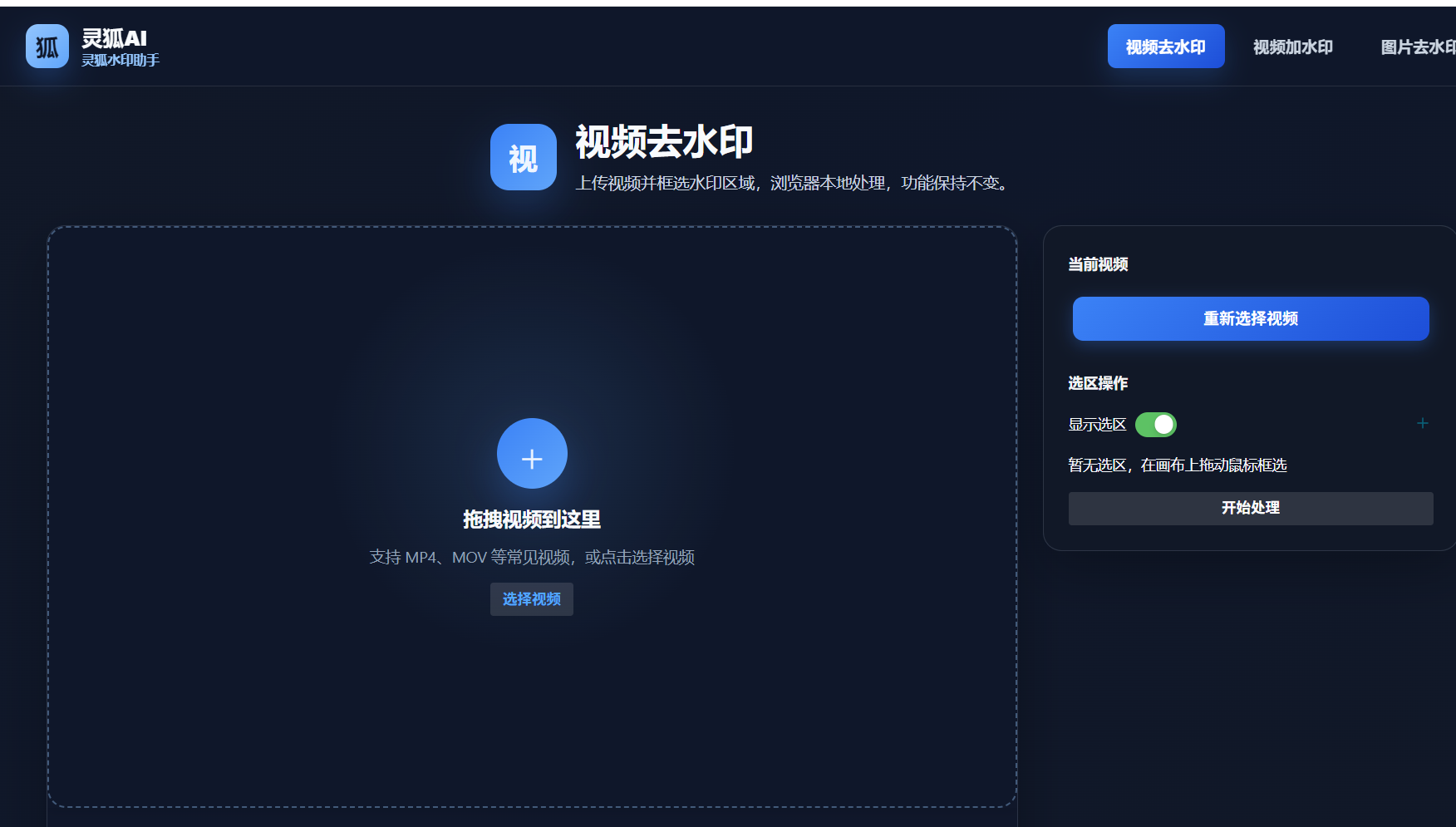
- Open Miaomiao AI: Visit the Miaomiao AI Watermark Remover page in your browser—no install, no login.
- Choose the mode: Paste the link for parsing, or upload the local file for local processing.
- Remove and save: Click remove, wait a few seconds, then download the watermark-free video.
Miaomiao AI covers 10+ platforms including Douyin, Kuaishou, Xiaohongshu, Bilibili, TikTok, YouTube Shorts and Instagram. One tool, two modes (link parsing + local processing), all-platform support with 100% local privacy—no upload, no daily limit, completely free.
Remove watermarks from any platform—try Miaomiao AI all-platform tool now
Remove Watermark Now →Conclusion
Different platforms need different approaches, but you don't need a separate tool for each. Miaomiao AI combines link parsing and local processing to cover all domestic and overseas platforms, with full local privacy and no cost. It is the most complete all-platform watermark removal solution for creators in 2026.
FAQ
Does Miaomiao AI support both Douyin and TikTok?
Yes. Miaomiao AI supports both Douyin and TikTok via link parsing, plus local file processing for downloaded clips from any platform.
What's the difference between link parsing and local processing?
Link parsing fetches the watermark-free source from the platform; local processing removes watermarks from a file already on your device. Miaomiao AI offers both in one tool.
Is all-platform watermark removal really free?
Yes. Miaomiao AI's core all-platform removal is completely free with no daily limits, no watermark on output, and no upload—your videos stay on your device.