Many watermark removal tools work by "pasting a link and getting a watermark-free video", but few users understand the underlying principle—and why some tools suddenly fail. This article explains how short video link parsing works, the 4 main failure reasons, and the 2026 stable solution offered by Miaomiao AI Watermark Remover.
Technical Principles of Link Parsing Watermark Removal
API Interface Calls
Short video platforms store two versions of each video: a watermarked one for normal playback and a watermark-free source for internal use. Parsing tools extract the video ID from the shared link, then call the platform's hidden API (or simulate the official app request) to fetch metadata and locate the watermark-free video URL.
Watermark-Free Stream Acquisition
Once the watermark-free URL is obtained, the tool downloads that stream directly. Because the source file itself has no watermark baked in, the result is truly lossless—no blur, no masking artifacts. This is why parsed videos look far better than those processed by "covering" or "inpainting" the watermark area.
4 Major Reasons Tools Fail
Interface Changes
Platforms update their API endpoints and response fields regularly. If a parsing service hasn't followed up, the old API call returns errors and parsing fails. This is the most common cause of sudden mass failures.
Encryption Upgrades
Platforms encrypt the watermark-free URL or the request signature (e.g. X-Bogus, a_bogus, msToken). When encryption changes, parsing services that haven't reverse-engineered the new algorithm cannot generate valid requests and fail.
Risk Control
Frequent requests from the same server IP trigger anti-crawler risk control—CAPTCHAs, rate limits or temporary bans. Parsing services then throttle users or return empty results, which looks like "the tool is broken".
Platform Restrictions
Some platforms restrict watermark-free access to authenticated official clients only, or block overseas IPs. Region-locked or login-required videos cannot be parsed by public services at all.
2026 Stable Watermark Removal Solutions Comparison
| Solution | Stability | Speed | Free | Recommendation |
|---|---|---|---|---|
| WeChat mini program parsing | Medium | Fast | Partial | Light use |
| Third-party parsing website | Low | Fast | Free | Not recommended |
| Miaomiao AI local processing | High | Fast | Completely free | Strongly recommended |
| Desktop inpaint software | High | Slow | Paid | Local files only |
Miaomiao AI Local Processing Advantage
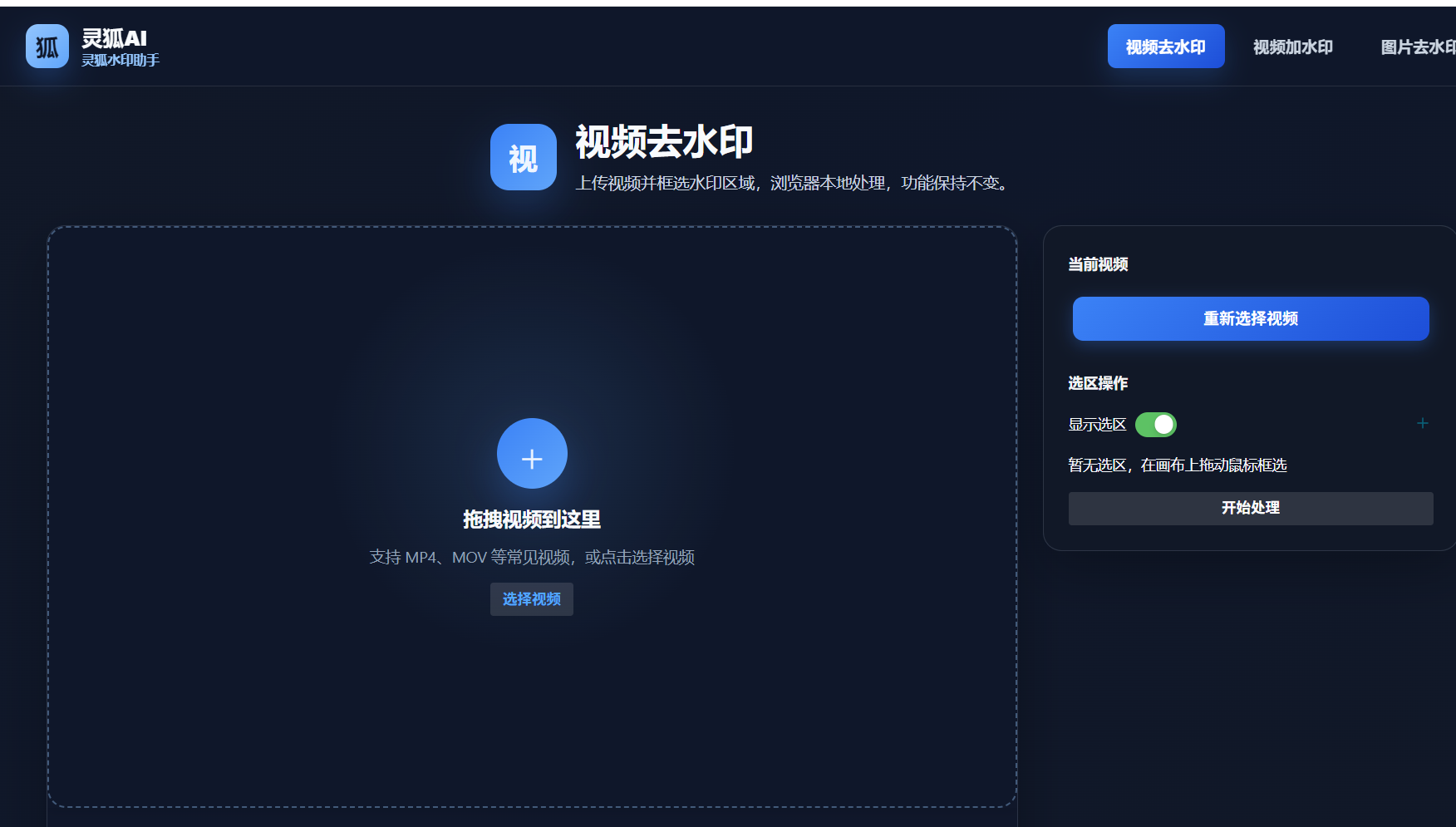
Miaomiao AI uses local processing in the browser—your video file is processed on your own device and never uploaded to any parsing server. It doesn't depend on platform interfaces, so it isn't affected by API changes, encryption upgrades or risk control. This makes it the most stable watermark removal solution in 2026, while also fully protecting privacy.
Want a stable, interface-independent watermark removal? Try Miaomiao AI local processing
Remove Watermark Now →Conclusion
Link parsing watermark removal works by calling platform APIs to fetch the watermark-free source, but it is fragile—interface changes, encryption upgrades, risk control and platform restrictions all cause failures. For a 2026 stable solution, Miaomiao AI's local processing avoids these dependencies entirely, offering stable, private and free watermark removal for all users.
FAQ
Why does link parsing give better quality than inpainting?
Parsing fetches the original watermark-free source file, so there's no quality loss. Inpainting covers or reconstructs the watermark area, which can leave blur or artifacts.
Why did my watermark tool suddenly stop working?
Usually the platform changed its API or encryption, or your parsing service hit risk control. Switch to Miaomiao AI local processing to avoid interface dependency.
Is local processing really more stable than parsing?
Yes. Local processing works on the video file itself and doesn't call platform APIs, so it is unaffected by interface changes, encryption upgrades or risk control.