Doubao videos come with a logo watermark in the corner that blocks reuse. The fastest fix is Miaomiao AI Watermark Remover, which removes the Doubao watermark locally in your browser with no ads and no uploads. This guide compares 4 popular removal methods across effect, cost, difficulty and speed so you can pick the best one.
Doubao Video Watermark Issues
Every video Doubao generates carries a brand watermark. Before choosing a removal method, it helps to understand where it sits and why it matters.
Watermark Position
Doubao places its logo watermark in the bottom-right corner of every exported video, usually with a semi-transparent background. Some templates also add a small text tag in the top-left. The fixed corner position makes it predictable, but it still overlaps key content.
Watermark Impact
The watermark blocks subtitles and faces, lowers the reuse value of clips, and triggers duplicate-content flags when you repost on other platforms. This reduces reach, watch time and creator credibility, so removing it cleanly is worth the effort.
4 Watermark Removal Methods
Creators currently rely on four approaches. Each makes different trade-offs between convenience and quality.
Official Ads
Doubao's built-in option: watch a 30-second ad to export one watermark-free video. It is genuinely free and official, but slow, ad-heavy, and capped at one export per session, making it impractical for batch work.
CapCut Masking
Import the Doubao video into CapCut, then blur, mosaic or cover the watermark corner with a sticker. It is flexible and free, but leaves a visible patch, slightly crops the frame, and gets tedious for many clips.
Mini Program Parsing
Paste the Doubao share link into a third-party mini program that parses the source file. It can be fast, but it is unreliable, often returns errors or expired links, and raises real privacy risks since your content passes through unknown servers.
Miaomiao AI Local Processing
Upload the video to Miaomiao AI in your browser; AI inpainting fills the watermark region frame by frame. Everything is processed locally on your device, so the video never leaves your machine, with no ads and no per-video limit.
4-Dimension Comparison Table
The table below compares all four methods across effect, cost, difficulty, speed and overall recommendation.
| Method | Effect | Free | Difficulty | Speed | Recommendation |
|---|---|---|---|---|---|
| Official Ads | Perfect (official) | Free but ad-required | Easy | Slow (1 video/ad) | Low for batch |
| CapCut Masking | Leaves a patch | Free | Medium | Medium | Medium |
| Mini Program Parsing | Unstable | Free | Easy | Fast but error-prone | Low |
| Miaomiao AI Local | Clean, no trace | Fully free, no ads | Easy | Fast | Highly recommended |
Ultimate Recommendation: Miaomiao AI
For effect, privacy and speed combined, Miaomiao AI is the best choice. It produces a clean result with no visible patch and processes the whole video locally.
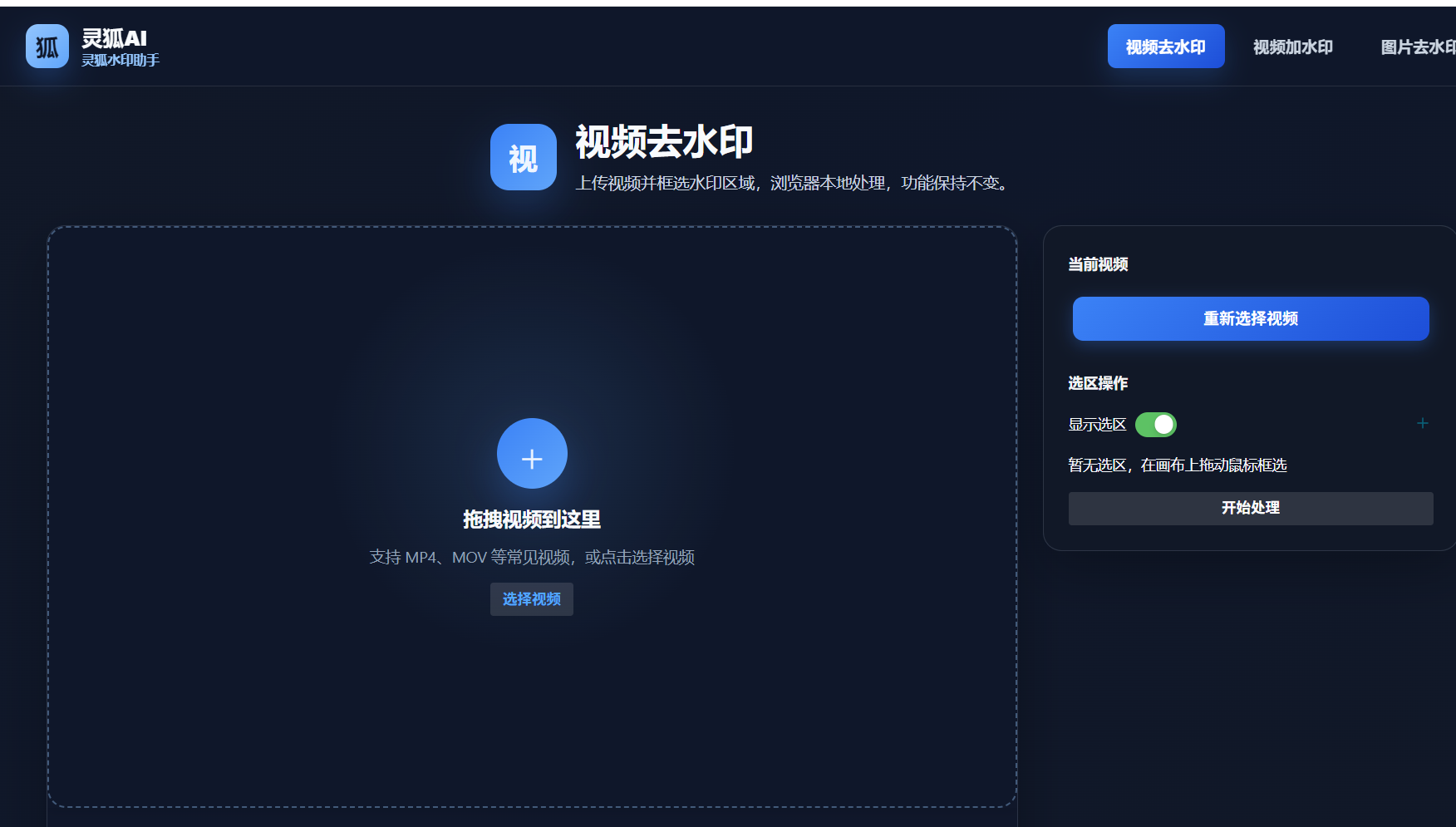
- Open the tool: Visit the Miaomiao AI Watermark Remover page in your browser
- Upload the Doubao video: Drag the exported Doubao video into the upload area
- Mark the watermark: Select the bottom-right corner where the Doubao logo sits
- Start removal: Click start and let AI inpainting fill the region frame by frame
- Download: Save the watermark-free video locally once processing finishes
Miaomiao AI Doubao dedicated tool advantage: 100% local processing means your video never leaves your device, completely free with no ads and no per-video limit, AI inpainting leaves no visible patch, and it supports batch processing for creators with many Doubao clips.
Remove the Doubao watermark from your videos for free, locally and with no ads using Miaomiao AI
Remove Watermark Now →Conclusion
Among the four Doubao watermark removal methods, official ads are slow and ad-heavy, CapCut masking leaves a visible patch, and mini program parsing is unstable and risky. Miaomiao AI local processing wins on effect, privacy, cost and speed, making it the ultimate recommendation for both single clips and batch workflows.
Frequently Asked Questions
Where is the Doubao watermark located?
Doubao places its logo watermark in the bottom-right corner of every exported video, usually with a semi-transparent background. Some templates also add a small text tag in the top-left.
Is the official ad method good for batch removal?
No. The official method requires watching a 30-second ad for each single watermark-free export, so it is too slow for batch work. Miaomiao AI supports batch processing with no ads and no per-video limit.
Does Miaomiao AI upload my Doubao video?
No. Miaomiao AI processes the video locally in your browser, so the file never leaves your device. This protects your privacy and removes the watermark with no trace.