Creators waste hours downloading clips one by one and cleaning watermarks manually. The fix is Miaomiao AI Watermark Remover, which batch-removes watermarks locally in your browser for free. This guide shows a 3-step workflow to batch download, batch-remove watermarks and categorize a mobile material library in about 10 minutes.
3 Steps to Build Material Library
A repeatable library-building workflow has three simple stages.
Batch Download
Collect clips in bulk using a downloader or save-from-source tool, so you gather dozens of materials at once instead of one at a time. This is the fastest way to stockpile raw footage on mobile.
Batch Watermark Removal
Run all downloaded clips through a batch remover that erases watermarks in one pass. This is the step that saves the most time, since manual one-by-one removal is the biggest bottleneck.
Categorize
Sort the clean clips into folders by topic, mood or aspect ratio. A consistent naming and folder system makes future editing far faster and keeps your library searchable.
Batch Watermark Removal Tool Recommendations
These three options handle batch watermark removal with different strengths.
Miaomiao AI
Miaomiao AI runs in any browser and removes watermarks from multiple clips locally, with no upload and no per-video fee. It is fully free, supports batch input, and keeps footage private, making it ideal for mobile creators.
Mini Program Batch
Some mini programs offer batch parsing of share links. They are quick for simple logos but unreliable for complex backgrounds and raise privacy concerns because clips pass through third-party servers.
Desktop Software
Desktop editors like CapCut or Premiere can mask watermarks in batch via templates, but they need a computer, leave a visible patch, and require manual setup per clip, which slows down true batch work.
Batch Watermark Removal Tools Comparison Table
The table compares the three tools across batch capability, speed, cost, cross-platform support and overall recommendation.
| Tool | Batch Capability | Speed | Free | Cross-Platform | Recommendation |
|---|---|---|---|---|---|
| Miaomiao AI | Yes, multi-clip | Fast, local | Fully free | Any browser | Highly recommended |
| Mini Program Batch | Yes, link-based | Fast but unstable | Free | Mobile only | Medium |
| Desktop Software | Limited, manual setup | Slow | Partial | Desktop only | Low for batch |
10-Minute Material Library Workflow
Follow these steps to go from zero to a categorized, watermark-free mobile material library in about 10 minutes.
- Batch download clips (3 min): Use a downloader to save 10-20 short clips to your phone in one pass
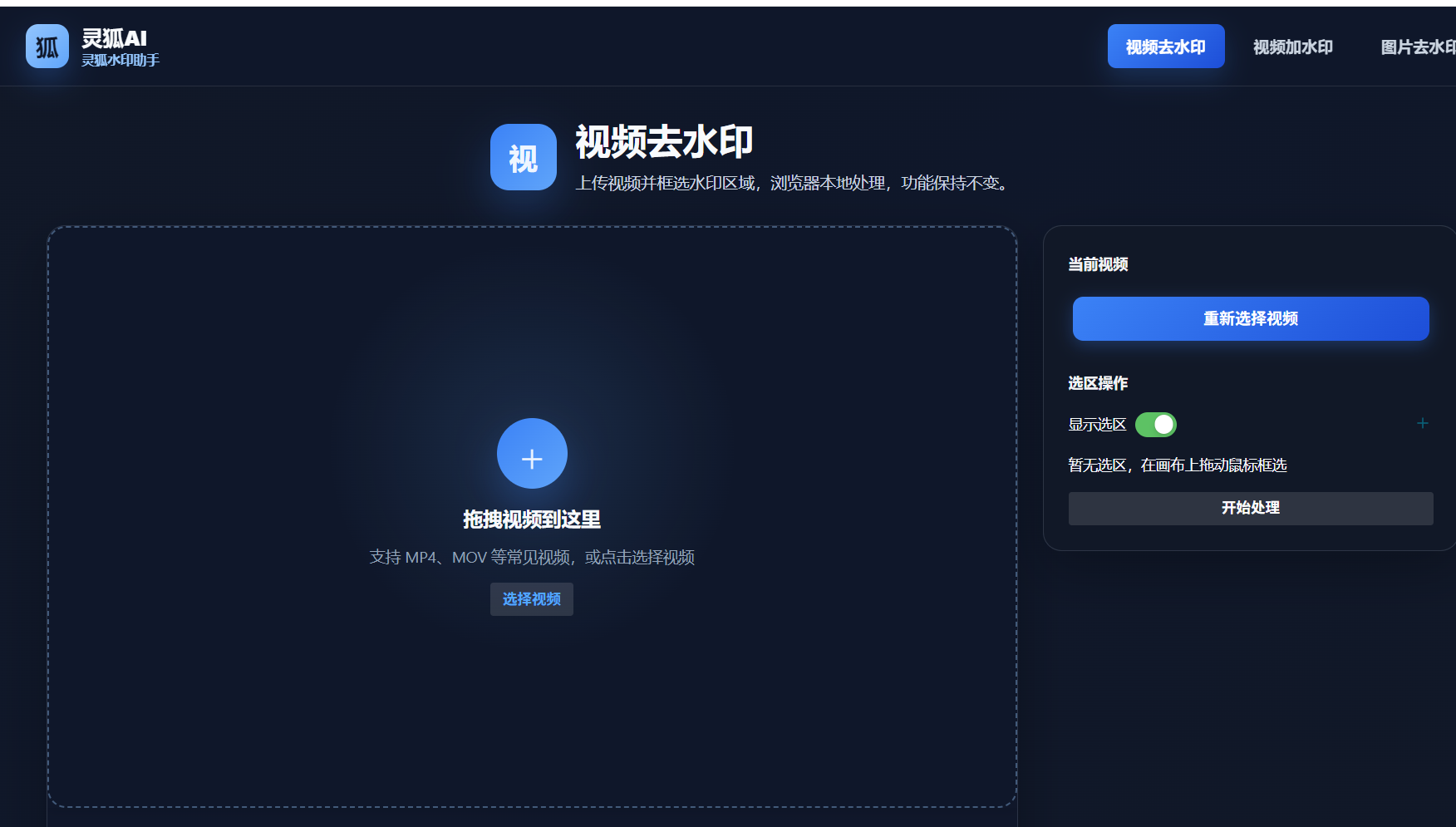
- Open Miaomiao AI (1 min): Visit the Miaomiao AI Watermark Remover page in your browser
- Upload multiple clips (1 min): Drag in all downloaded videos at once for batch processing
- Mark and run removal (3 min): Select the watermark area and start local AI inpainting on all clips
- Download clean clips (1 min): Save all watermark-free videos back to your phone
- Categorize into folders (1 min): Sort clips by topic or aspect ratio with a consistent naming system
Efficiency improvement data: Batch processing cuts material preparation from roughly 30 minutes per 10 clips (manual one-by-one) to about 5 minutes—a 6x speedup. Miaomiao AI's local, free batch mode removes the per-video fee and upload step, so a creator can stockpile a full week of materials in a single 10-minute session.
Build your watermark-free mobile material library in 10 minutes with Miaomiao AI batch processing
Remove Watermark Now →Conclusion
Building a mobile material library is fast once you batch the work: download in bulk, remove watermarks in one local pass with Miaomiao AI, then categorize. Compared to manual one-by-one removal, the batch workflow is about 6x faster, fully free and private, letting creators stockpile a week of clean materials in just 10 minutes.
Frequently Asked Questions
Can Miaomiao AI remove watermarks from multiple videos at once?
Yes. Miaomiao AI supports batch input, so you can upload multiple clips and remove watermarks in one local pass, with no per-video fee and no upload to external servers.
How long does it take to build a material library?
With batch download, batch watermark removal and categorization, you can build a usable mobile library of 10-20 clips in about 10 minutes, compared to roughly 30 minutes with manual one-by-one removal.
Is batch watermark removal free?
Yes with Miaomiao AI. It is fully free, runs locally in your browser, and imposes no per-video limit, making it the most cost-effective batch removal option for creators.