Short-video creators need a mobile material library that combines huge material volume with one-click watermark removal. Our top pick is Miaomiao AI Watermark Remover, an all-in-one solution that removes watermarks locally and works on any phone browser. This guide compares 3 material library APPs across material quantity, watermark removal and cost.
Core Needs of Material Library APPs
A good material library APP must solve three problems at once for mobile creators.
Massive Materials
Creators burn through clips quickly, so the library needs a large, constantly updated catalog spanning trending topics, landscapes, transitions and sound effects, all downloadable on mobile.
One-Click Watermark Removal
Sourced clips usually carry platform watermarks. Built-in one-click removal lets you clean a clip the moment you save it, instead of jumping between apps and losing time.
Category Search
Fast category search and tags let you find the right clip in seconds, so you spend more time editing and less time scrolling through endless folders.
3 Material Library APP Recommendations
These three tools stand out for mobile creators who need materials and watermark removal together.
Miaomiao AI
Miaomiao AI runs in any phone browser with no app install. It offers a large material catalog and removes watermarks locally with one click, keeping your clips private and free of ads. Ideal for creators who want an all-in-one web tool.
Material Master
A popular mobile APP with a massive, well-categorized material library updated daily. It includes basic watermark removal, though heavy use pushes you toward a paid plan and removal quality can leave a faint trace on complex backgrounds.
Mix Assistant
A creator-focused APP that bundles trending clips, templates and a built-in remover. Strong on category search and templates, but watermark removal is cloud-based, which raises privacy concerns for sensitive footage.
3 APPs Comparison Table
The table compares the three APPs across material quantity, watermark removal, cost, cross-platform support and overall recommendation.
| APP | Material Quantity | Watermark Removal | Free | Cross-Platform | Recommendation |
|---|---|---|---|---|---|
| Miaomiao AI | Large, updated | Local, one-click, clean | Fully free | Any browser | Highly recommended |
| Material Master | Massive | Basic, may leave trace | Partial (paid heavy use) | iOS / Android | Medium |
| Mix Assistant | Large, template-rich | Cloud-based | Partial | iOS / Android | Medium |
Miaomiao AI Material + Watermark Removal Workflow
Miaomiao AI combines sourcing and cleaning in one browser workflow, so you go from clip to ready-to-use file without switching apps.
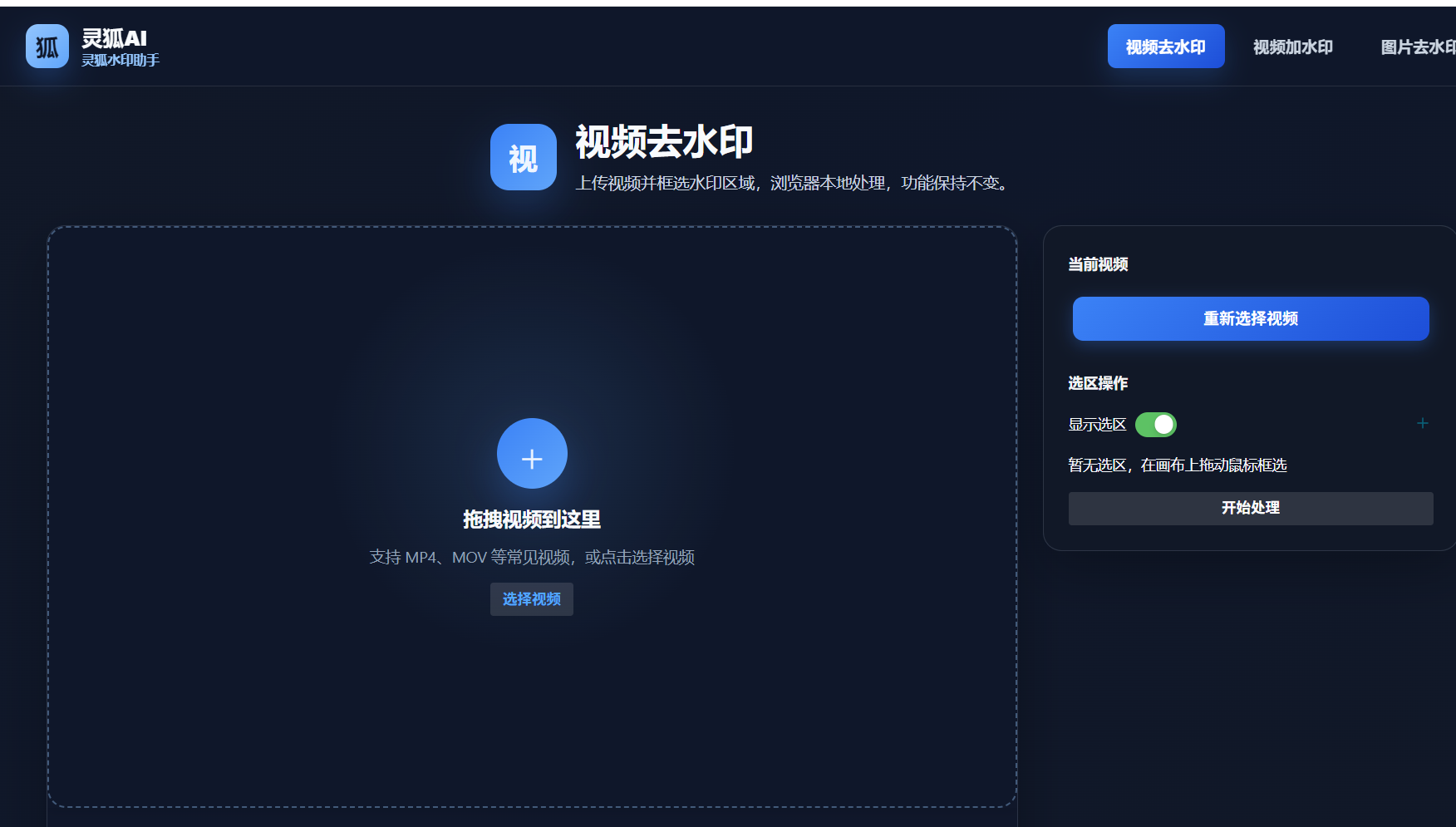
- Open Miaomiao AI: Visit the Miaomiao AI Watermark Remover page on your phone
- Pick or upload a material: Browse the catalog or upload a sourced clip with a watermark
- Mark the watermark: Tap to select the corner or area where the logo appears
- Run one-click removal: Start local AI inpainting to erase the watermark cleanly
- Save the clean clip: Download the watermark-free material to your phone for editing
All-in-one solution: Miaomiao AI unifies material access and watermark removal in one browser tab—no app install, no cloud upload, fully free with no ads, and clean results that leave no visible patch. It is the most efficient mobile workflow for creators.
Build your mobile material library and remove watermarks in one click with Miaomiao AI
Remove Watermark Now →Conclusion
For mobile creators, the best material library APP pairs massive materials with reliable one-click watermark removal. Miaomiao AI leads by doing both in a free, local, browser-based workflow, while Material Master and Mix Assistant are strong on catalog but weaker on free, private removal.
Frequently Asked Questions
Which material library APP is best for watermark removal?
Miaomiao AI is best because it removes watermarks locally in the browser with one click, fully free and with no visible patch. Material Master and Mix Assistant offer basic removal but lean paid or cloud-based.
Do I need to install an APP to use Miaomiao AI?
No. Miaomiao AI runs in any phone browser, so there is nothing to install. Open the page, upload or pick a material, and remove the watermark directly on your device.
Are the materials in these APPs free to use?
Miaomiao AI offers a free, updated catalog and free removal. Material Master and Mix Assistant provide free browsing but push paid plans for heavy downloads or advanced removal features.