Finding HD, watermark-free video materials is the biggest hurdle for creators. Our recommended starting point is Miaomiao AI Watermark Remover, which cleans watermarks from any existing video locally and for free. This guide compares 5 sources across material quality, cost, watermark-free status and commercial license.
3 Sources of Watermark-Free Materials
Watermark-free materials come from three main channels, each with different trade-offs.
Free Material Websites
Sites like Pexels and Pixabay host large libraries of HD clips that are free to download and use commercially with no watermark. Quality is high, but the catalog can feel generic and overused on trending topics.
Watermark Removal Tools
Tools like Miaomiao AI take any existing watermarked video and remove the logo locally, instantly turning a huge pool of clips into watermark-free material. This is the most flexible source because it works on any video you can save.
AI Generation
AI video generators create custom clips from text prompts with no watermark on paid tiers. Great for unique shots, but quality and length are still limited and costs add up quickly.
5 Watermark-Free Material Sources
These five sources cover free websites and a powerful removal tool, giving creators plenty of HD options.
Miaomiao AI
Miaomiao AI removes watermarks from any video you upload, processed locally in your browser. It is the most flexible source because it works on existing clips, is fully free, and keeps your footage private.
Pexels
A leading free stock site with a large HD and 4K video library, all free for commercial use with no attribution required. Great for b-roll, nature and lifestyle clips.
Pixabay
A huge community library of free HD videos, illustrations and music under a permissive license. Strong variety, though search relevance can be mixed for niche terms.
Mixkit
Envato's free library offering HD video clips, stock music and Premiere/After Effects templates. Free for most uses, with a smaller but well-curated catalog.
Coverr
Beautiful, cinematic HD clips designed for website backgrounds and social posts. Free for commercial use with no watermark, though the library is smaller than Pexels or Pixabay.
5 Sources Comparison Table
The table compares the five sources across material quantity, cost, watermark-free status, commercial license and overall recommendation.
| Source | Material Quantity | Free | Watermark-Free | Commercial License | Recommendation |
|---|---|---|---|---|---|
| Miaomiao AI | Any video you own | Fully free | Yes (removes any) | Depends on source | Highly recommended |
| Pexels | Large HD/4K | Fully free | Yes | Yes, no attribution | Highly recommended |
| Pixabay | Huge | Fully free | Yes | Yes | Recommended |
| Mixkit | Curated, smaller | Free for most uses | Yes | Yes (some limits) | Recommended |
| Coverr | Small, cinematic | Fully free | Yes | Yes | Niche recommended |
Miaomiao AI Watermark Removal Material Solution
When free sites do not have the clip you need, Miaomiao AI lets you clean a watermarked video you already have, instantly expanding your material pool.
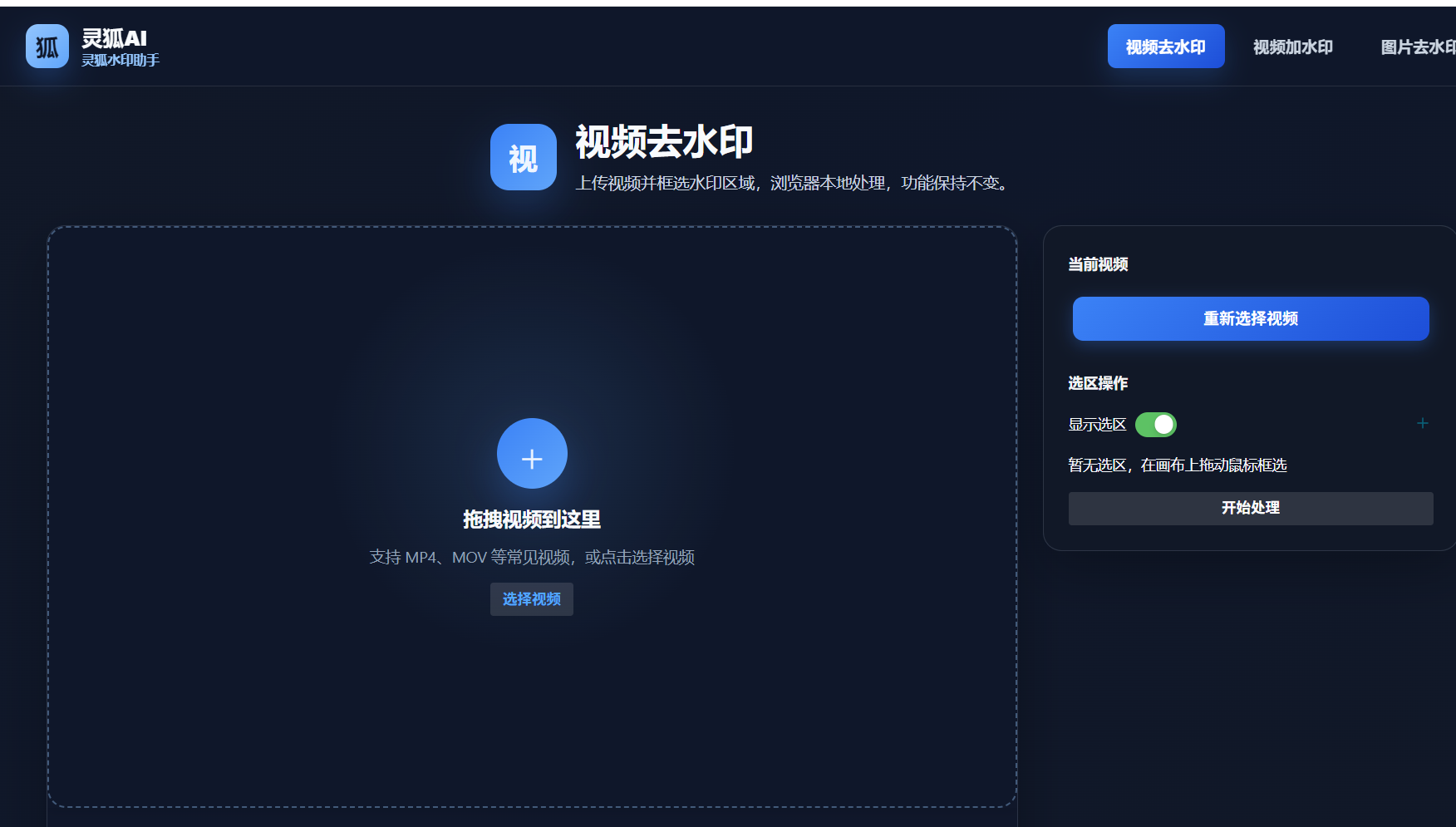
- Open Miaomiao AI: Go to the Miaomiao AI Watermark Remover page in your browser
- Upload the watermarked video: Drag in any clip that carries a platform or brand watermark
- Select the watermark area: Mark the corner or region where the logo appears
- Start AI removal: Run local inpainting to erase the watermark cleanly frame by frame
- Download the HD clean clip: Save the watermark-free material for your project
Remove watermark from existing videos: Miaomiao AI turns any watermarked clip into clean, reusable material. It runs locally for privacy, is fully free with no ads, leaves no visible patch, and works on HD and 4K input, making it the most flexible watermark-free source available.
Turn any watermarked video into HD, watermark-free material for free with Miaomiao AI
Remove Watermark Now →Conclusion
For HD, watermark-free video materials, free sites like Pexels, Pixabay, Mixkit and Coverr cover most needs with commercial licenses. When you need a specific clip that only exists in watermarked form, Miaomiao AI removes the watermark locally and for free, making it the most flexible source of all.
Frequently Asked Questions
Are Pexels and Pixabay videos really free for commercial use?
Yes. Both offer HD and 4K clips free for commercial use with no attribution required. Always double-check the license on each clip, but the vast majority are safe for commercial projects.
Can I remove a watermark from a video I already have?
Yes. Upload it to Miaomiao AI, mark the watermark area, and the tool removes it locally with AI inpainting, leaving a clean, watermark-free HD clip ready to use.
Which source has the largest catalog?
Pixabay and Pexels have the largest free HD libraries. Miaomiao AI is the most flexible because it works on any video you can save, effectively giving you an unlimited catalog.